Build two practice categories, generate the rest of the test, add a survey only if you need one, then deploy. That is the whole path.
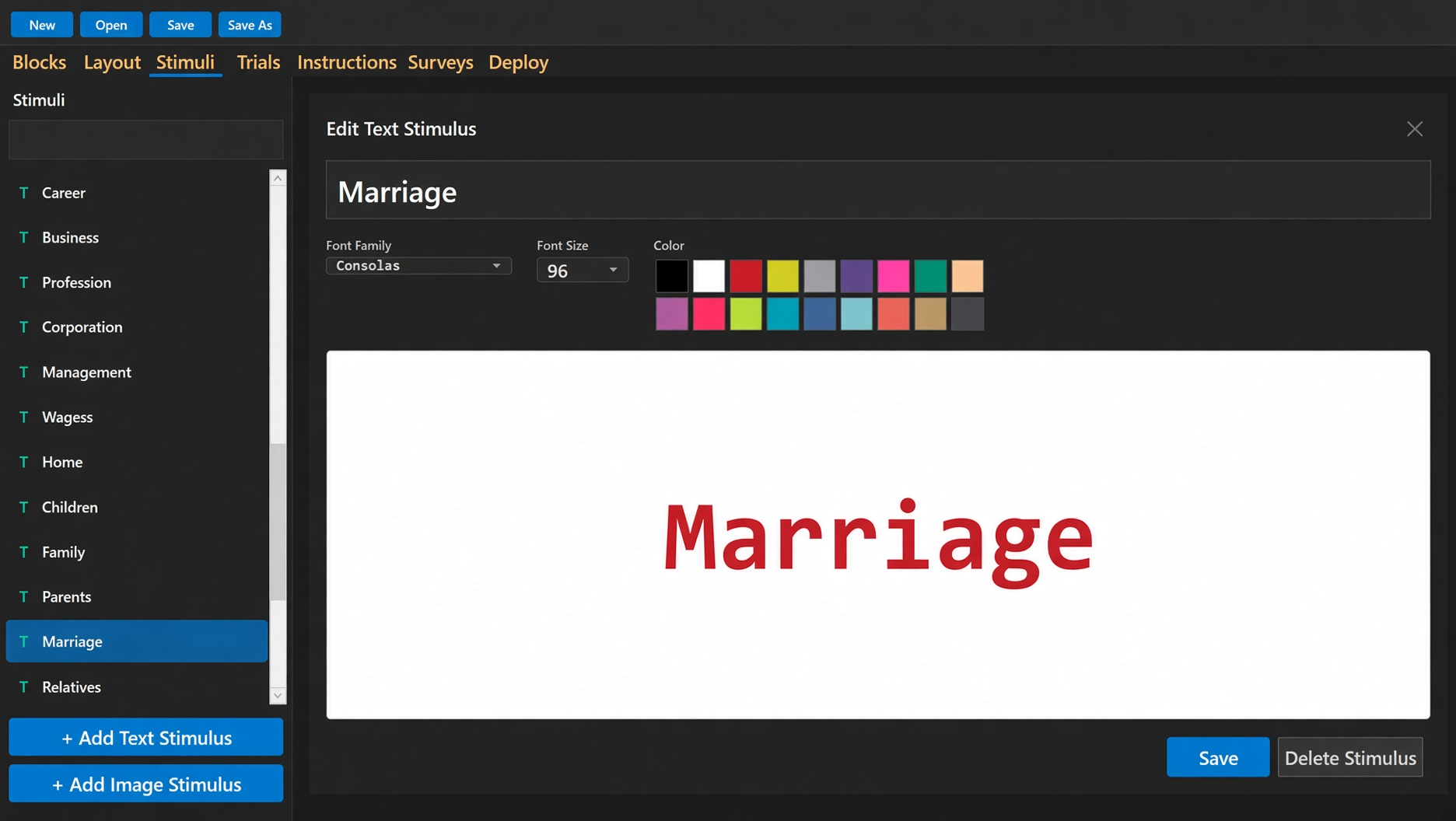
Open the designer. New. On the Stimuli tab, add the words or pictures for four categories: two that will sit on the keys in block 1, two that will sit on the keys in block 2. Short labels. Easy to classify at a glance. The practice pair is what the rest of the test is built from.
Stimuli tab. Words or pictures for the four categories the practice keys are built from.
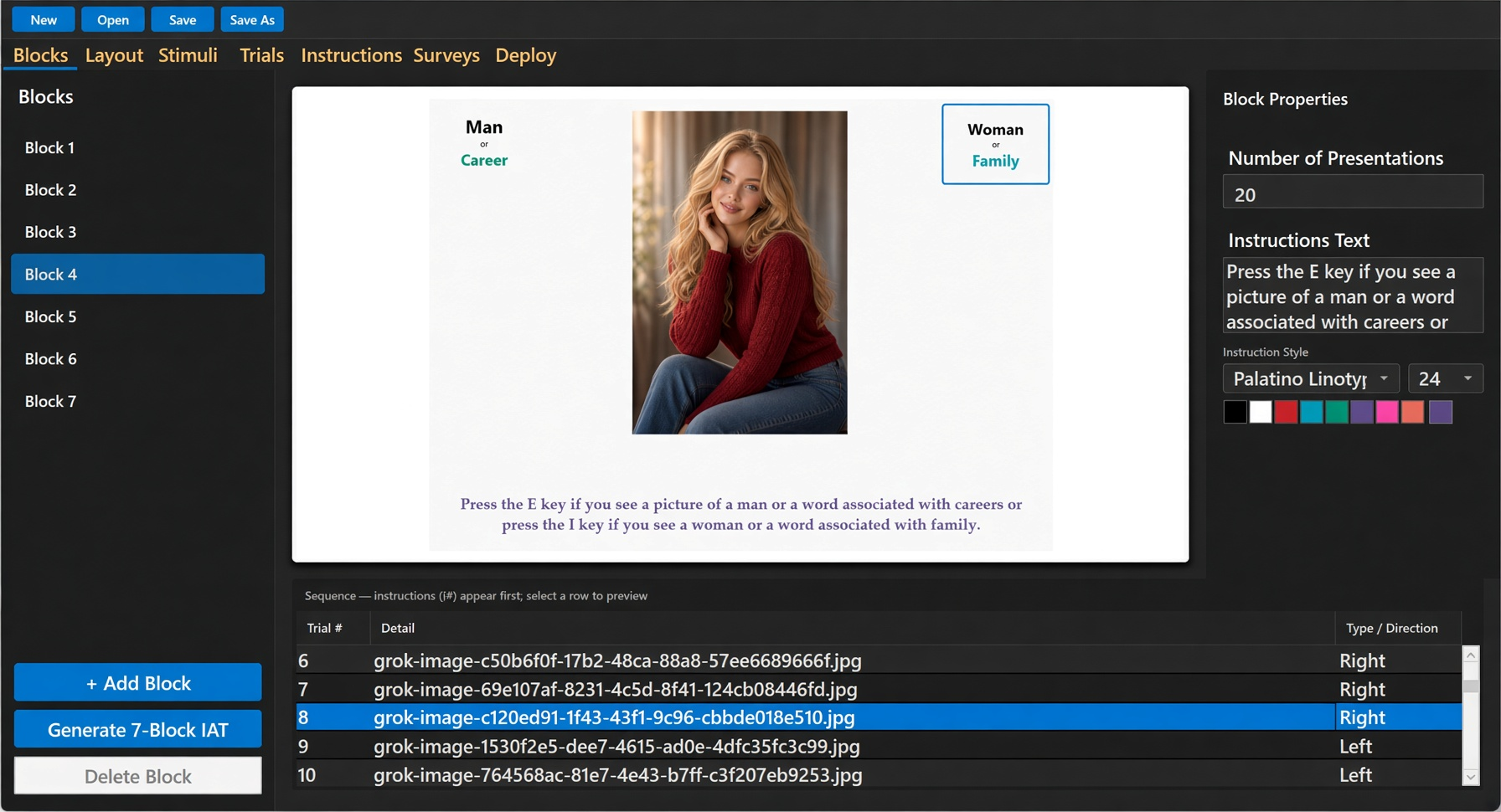
On the Trials tab, or from Blocks, set the left and right keys for block 1 to the first pair and for block 2 to the second pair. Generate 7-block IAT. The designer fills blocks 3–7 with the combined keys and the usual presentation counts (10 everywhere except 20 on blocks 4 and 7). You can change those numbers. You cannot usefully edit the combined-key text after generate — it is derived from the practice keys.
Add instruction screens if the participant needs a page of text before a block. Add a survey before or after the IAT if you need questions. Neither is required to deploy.
On Deploy, type a test name that is not “New IAT Test.” Type a password you can remember. That password is not stored on the server. If you lose it, the results of that test are gone. Deploy Current Test. The first time, the designer asks for a name and an email and mails a verification link. Same email later returns the same product key and the same list of tests. It does not return the password.
The participant URL is https://iatsoftware.net/IAT?IATName=…&ClientID=…. HTTPS, apex, no www. Copy that link. That is the test.
Blocks tab after generate. Practice keys become combined keys on later blocks.